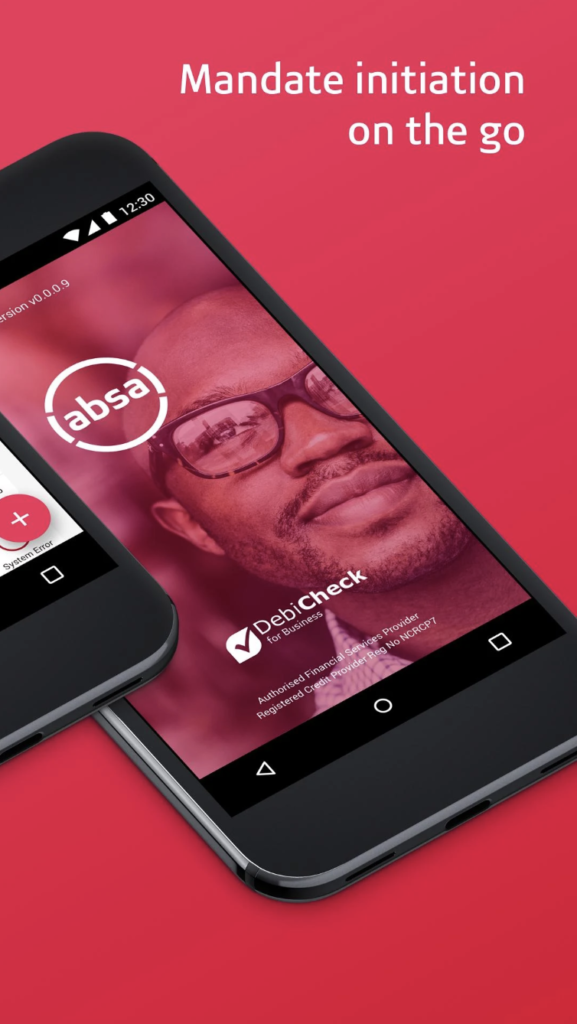
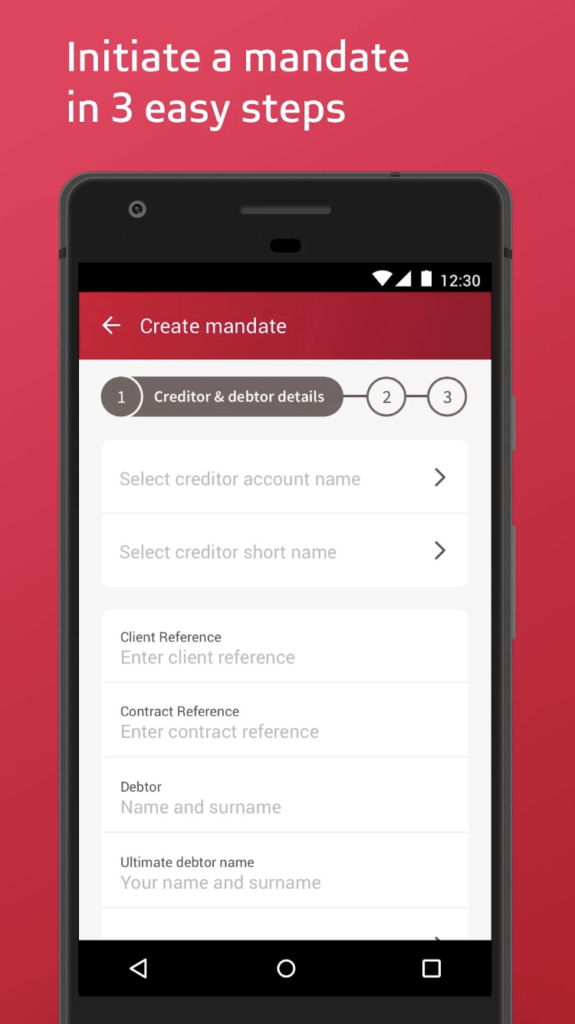
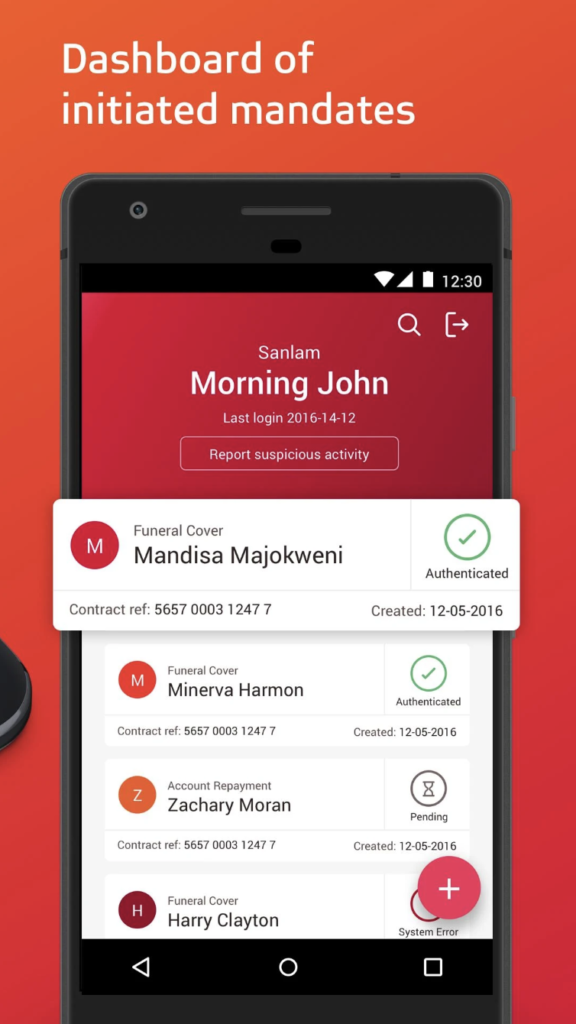
A mobile app that allows Absa customers to manage their debit orders on the go. It is available for both Android and iOS devices.
Features of the DebiCheck app:
Approve or reject new debit orders and changes: When a new debit order is initiated against your account, or when an existing debit order is changed, you will receive a notification on the DebiCheck app. You can then review the details of the debit order and approve or reject it.
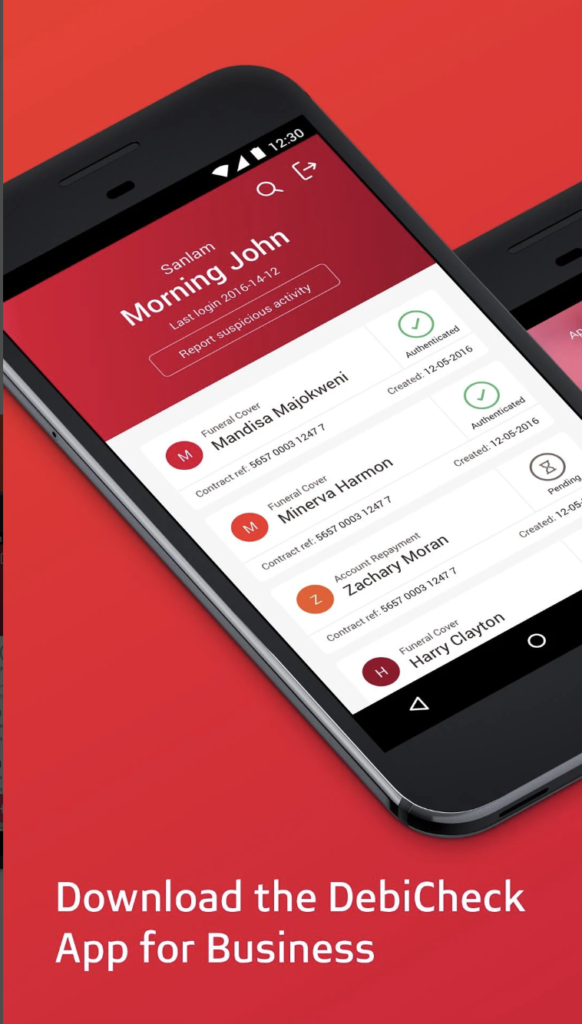
View your existing debit orders: The DebiCheck app also allows you to view a list of all your existing debit orders. You can see the details of each debit order, such as the beneficiary, the amount, and the frequency.
Cancel debit orders: If you want to cancel a debit order, you can do so directly from the DebiCheck app.
Benefits of using the DebiCheck app:
Convenience: The DebiCheck app allows you to manage your debit orders from anywhere, at any time. You no longer have to log into your Absa online banking account to approve or reject new debit orders, or to cancel existing ones.
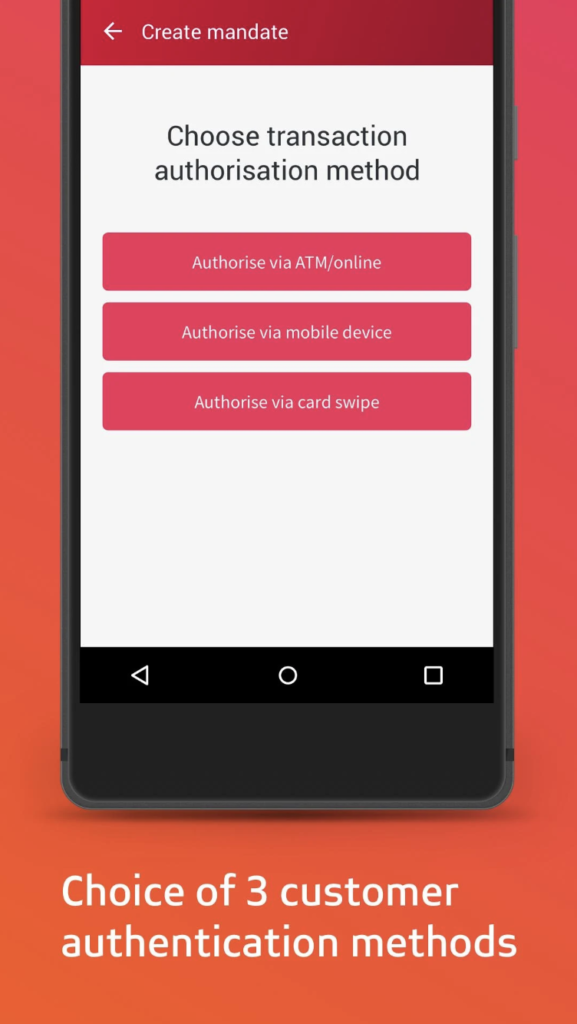
Security: The DebiCheck app uses SureCheck security authorization to ensure that all debit orders are approved by you. This helps to protect you from unauthorized debit orders.
Control: The DebiCheck app puts you in control of your debit orders. You can see exactly what debit orders are being processed against your account, and you can approve or reject them as you see fit.
How to use the DebiCheck app:
To use the DebiCheck app, you will need to download it from the Google Play Store or the App Store. Once you have downloaded the app, you will need to log in using your Absa online banking credentials.
Once you are logged in, you will be able to view a list of all your pending debit orders. You can also view a list of all your existing debit orders.
To approve a new debit order, simply tap on the “Approve” button. To reject a new debit order, tap on the “Reject” button.
To cancel an existing debit order, tap on the debit order that you want to cancel, and then tap on the “Cancel” button.